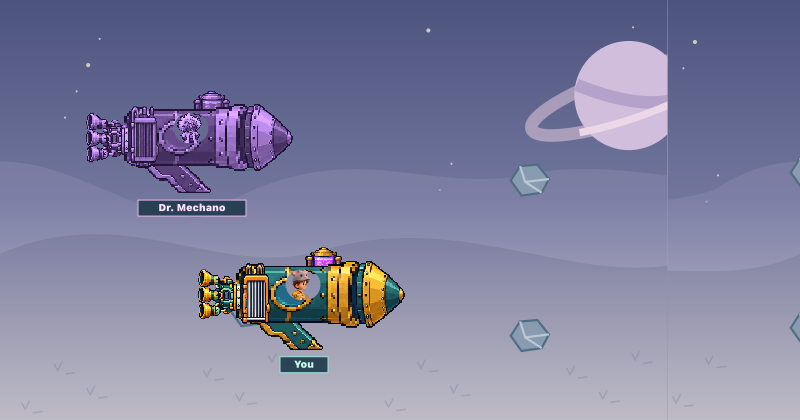
 BUILD · SOLVE · RACE
Meet Dr. Mechano.
Collect parts, solve grade-level math challenges and build a vehicle to race an eccentric inventor. Explore gears, magnets and circuits along the way.
THE CHORES & REWARDS APP FOR FAMILIES
Give your kids everyday quests for chores, reading and school goals. They earn tokens. You choose the rewards. Optional educational games let them earn bonuses while practicing grade-appropriate math and exploring science through play.
No payment card needed.
Works on phones, tablets & computers.
YOUR FAMILY, YOUR REWARDS
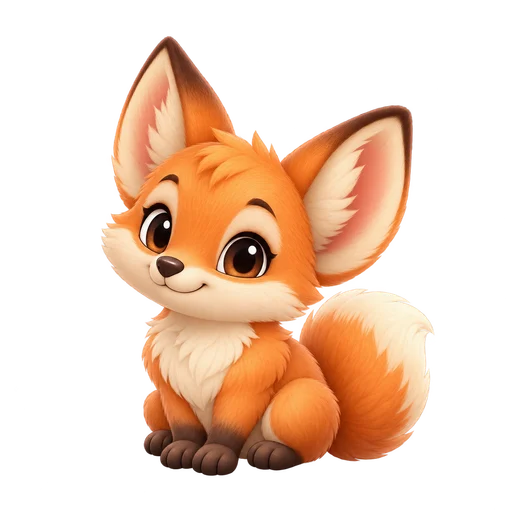 Your adventure buddy.A little play along the way.
More little wins.
More family time.
Real-life responsibilities.
Kid-sized motivation.
Movie night. Pick dinner.
Rewards don’t need a price tag.
Your quests. Your rules.
You’re in charge.

A little teamwork goes a long way.
A ROUTINE THEY CAN GET INTO
A clear next step. A reward they care about. A reason to feel proud.
Start with ready-to-go chores, or add your own. Choose what each one earns.
Kids check off chores, choose books and request reading rewards. You review each book and approve the reward.
Tokens become a movie pick, choosing dinner or another family prize you provide.
PARENTS GET THE BIG PICTURE
Keep the family’s chores, reading, rewards and schedule together. Give kids room to take the lead, with settings that stay in your hands.
Your living room. Their favorite game.
OPTIONAL GAMES. BUILT-IN LEARNING.
Chores and reading can earn Charms for built-in educational games. Kids can then earn parent-set bonuses as they progress through grade-appropriate math challenges and playful science puzzles, building vehicles and exploring space along the way.
BUILD · SOLVE · RACECollect parts, solve grade-level math challenges and build a vehicle to race an eccentric inventor. Explore gears, magnets and circuits along the way.
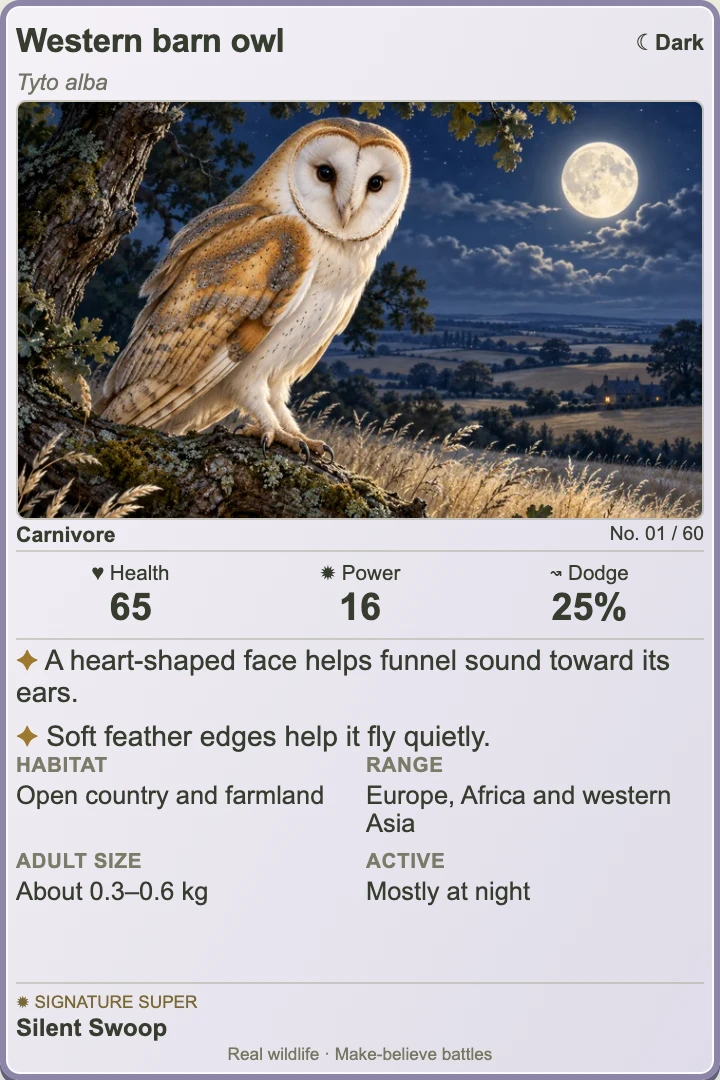
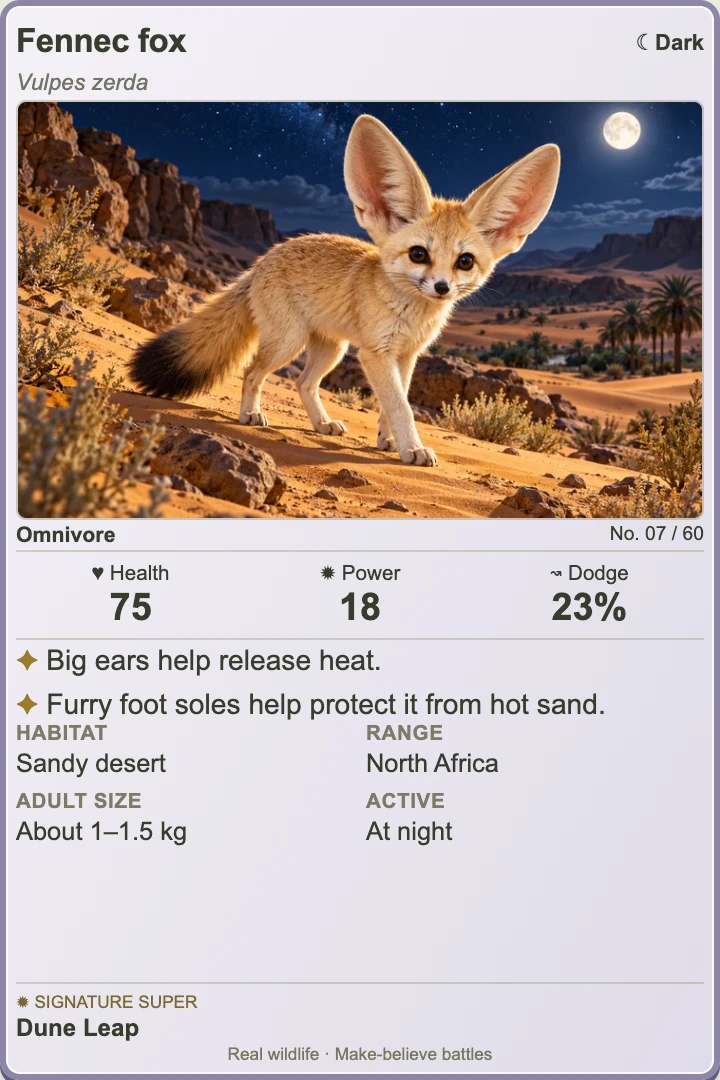
Collect 120 real animals in Critter Crawl. Choose moves for your team of three, level up collectible cards, and discover surprising wildlife facts.
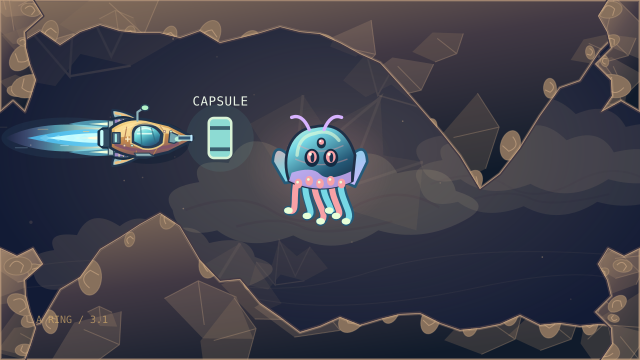
Pilot a ship through alien caverns and solve grade-appropriate number challenges in Neptune Quest.
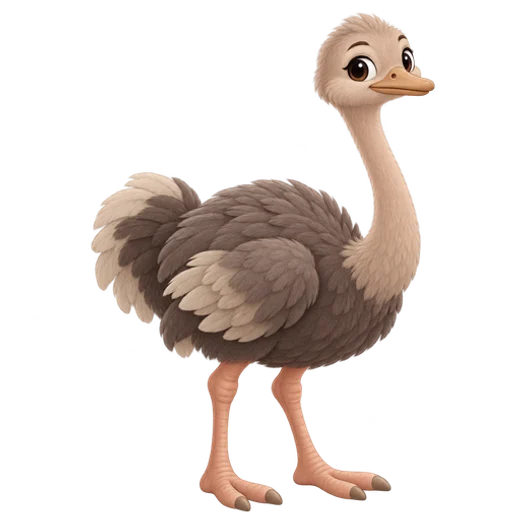
Every adventurer needs a sidekick.Hatch more friends. Let them help your garden grow.
Educational games are optional. You choose what’s enabled and set bonus rewards and limits. Available adventures and rewards depend on your family’s plan.
YOUR FIRST FAMILY QUEST STARTS HERE
Try your own family routine with starter quests and rewards ready to go. No payment card needed.
Explore the plansKeep the good things going with Family.
$5/month or $29.99/year
7 children included. Extra child places available. Prices before tax.You choose token or tracked allowance amounts for responsibilities, reading and school achievements. Kids save toward custom prizes you provide. KidQuest records balances; parents handle real-world prizes and allowance. Missions, chores and finished books can also earn parent-set Charms for games, pet eggs, and nightly pet adventures. Kids can select a book they find or enter its title and author, then request parent approval for a reward after reading it. Parents review the book and choose the reward.
Trial includes up to three child profiles, quests, rewards, a shared calendar, starter pets, reading requests and parent book rewards, arcade activities and Critter Crawl’s animal collection and the opening Dr. Mechano and Operation Saturn adventures. Each child can complete 5 quests per week during Trial, counting chores and parent-approved reading together. Rewards pause after the five are used for the week and resume with the weekly reset. Resets Mondays at midnight Eastern time. Earned rewards and progress stay saved.
All in Trial, plus unlimited quest completions and continued rewards, all Mechano and Saturn levels, children’s book search and parent-approved reading rewards, advanced pets, backgrounds and titles. Seven children are included; each extra child costs $1/month or $10/year. Review the full plans and taxes in Billing before purchasing.
Cancel renewal in Billing. Your Family plan stays active until the end of the subscription period you’ve already paid for, then your family returns to Trial. Cancelling does not give a refund for unused subscription time. Refunds for payment or product issues follow Stripe/Link’s refund policy and applicable law. Your children’s profiles and saved progress stay saved.
Share your family’s kids portal link from parent Settings. Each child uses their nickname and a private four-digit PIN. In family Settings, choose whether children select a visible nickname or type it themselves. Parents sign in separately to manage quests, rewards, profiles and settings.
Yes. Educational games are optional. Dr. Mechano and Neptune Quest use your child’s saved grade level for math practice in fun adventures. Choose which games are enabled, then set quest and reading rewards, Charm amounts, and supported game bonus types and maximum drops. Turning a feature off keeps its saved progress. Available content also follows your family’s plan.
KidQuest works in a web browser on phones, tablets and computers with an internet connection. For a shortcut on iPhone, open your family’s kids portal in Safari, tap Share, then Add to Home Screen. On other supported browsers, look for Install or Add to Home Screen. Each child still uses their PIN.
Create your parent account with an email address and password, complete parental consent, then set up your family on Trial. Add children with their grades and PINs, choose your quests and rewards, and share the kids portal link. Trial needs no payment card.
HERE’S TO THE LITTLE WINS
Your quests. Their progress. A whole lot of possibility.